
Depth Imaging Platform
The World in Distances
Distance and colour are your creative materials
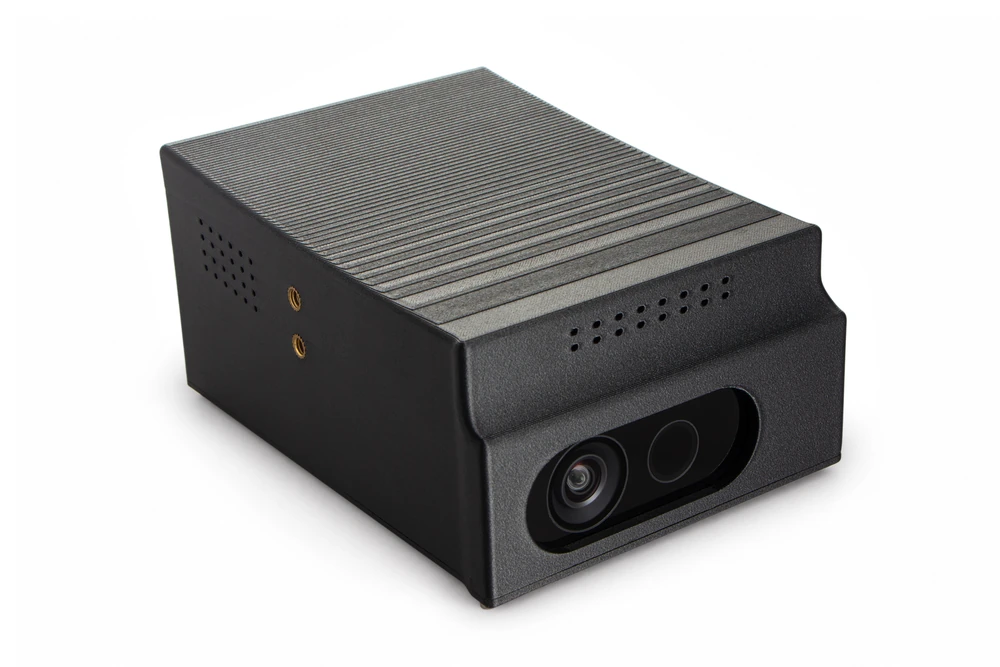
Create with depth.
More freely than ever.

A tunnel between two worlds
One entrance.
Another way of seeing.
Beyond the flat image
Chair
This is a chair from my grandfather’s home
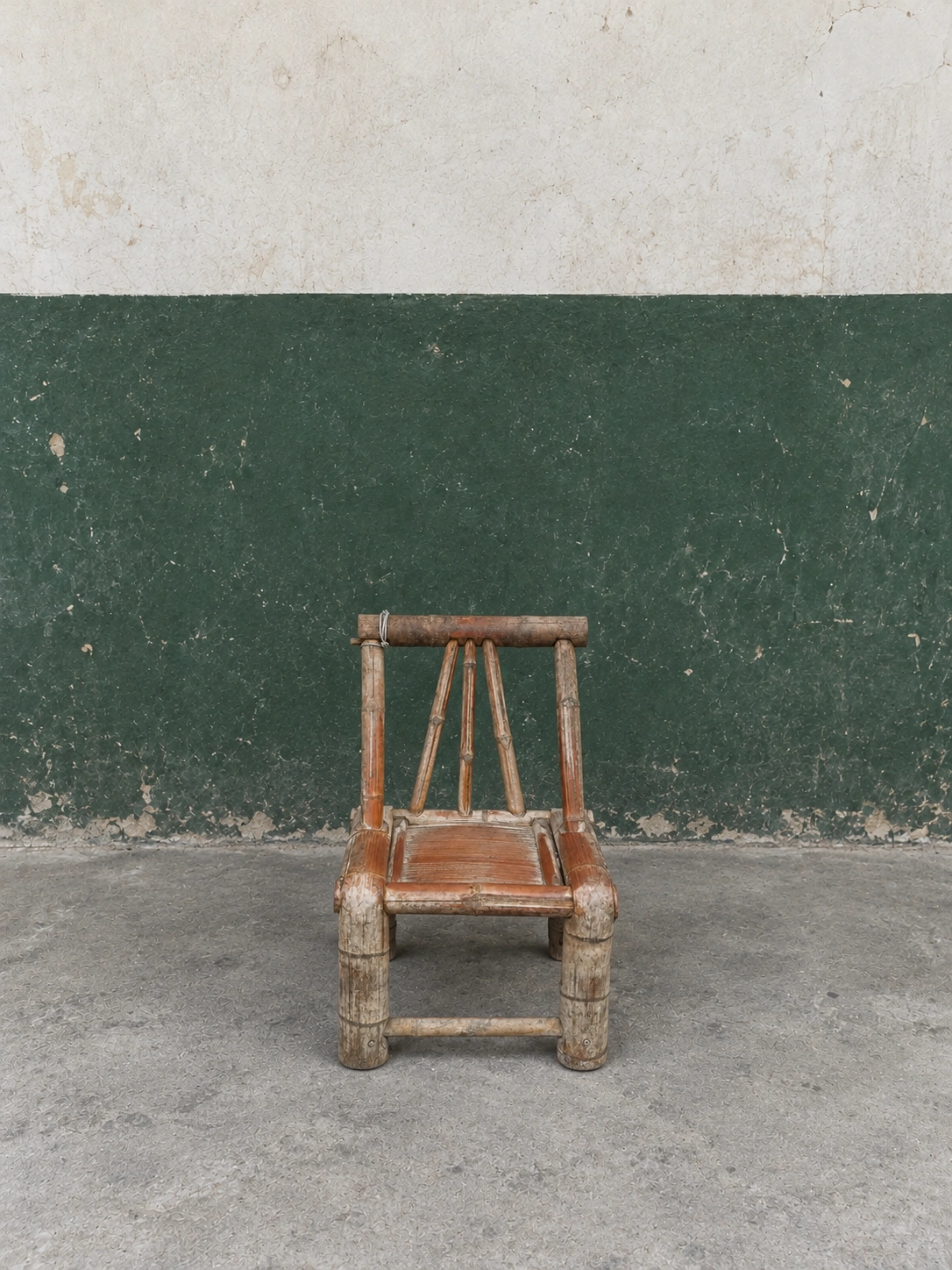
Depth + colour = endless possibilities
Shaders
Shaders are programs that draw images. The platform’s open interface lets you create your own shaders and produce unique images in real time.
Shader examples
Point clouds are one of the fundamental forms of depth vision that robots use to perceive physical space.
Distance as a photosensitive medium: the point-cloud camera and a new way of seeing
Read an excerpt from the foreword
At the heart of this work is a change in the mechanism of image-making itself: a camera is constructed that uses distance as its photosensitive medium.
···
Placed within the longer history of vision, this way of seeing reveals that every transformation of a viewing apparatus also redefines the distance between people and the world.
From the book The World in Distances
Create on your desktop
Tools for high-quality images
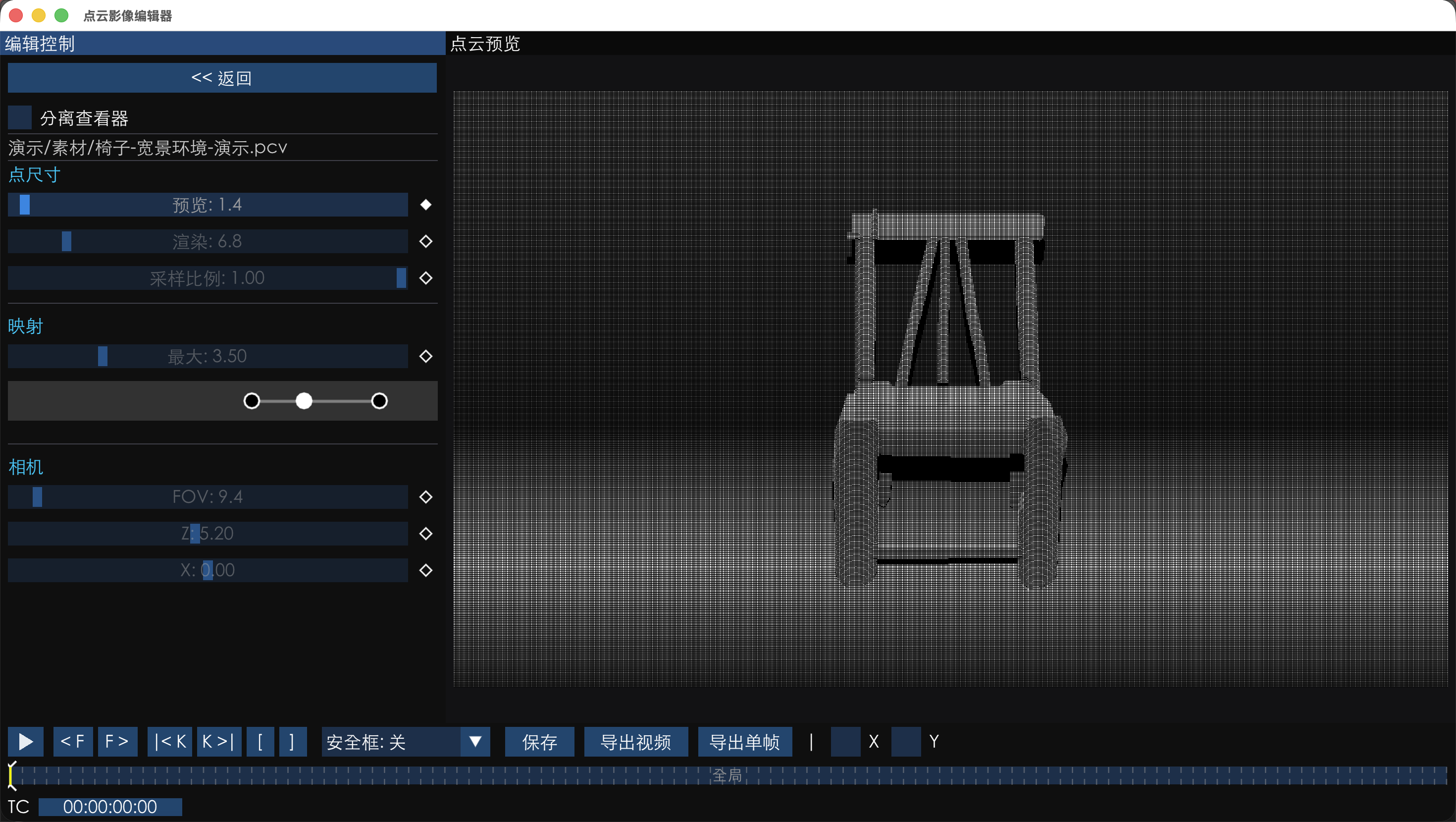
Record all the data as you shoot. Adjust freely in post-production.
Doraemon has a gadget called the Shrinking Tunnel. Walk in one end and out the other, and the world looks different.
The body takes its shape from a tunnel, inviting its user into another way of seeing.
Making the process the ornament
Layer by layer,
the printer leaves its trace
Layer lines are inherent to 3D printing, yet they are often hidden. The sloping top of this camera brings them into view. As the slope changes, so does the width of each layer, turning the way the body is made into its ornament.
PC-CF combines high-strength polycarbonate with carbon fibre for a stronger shell that resists sunlight, heat and moisture.
A quick introduction
Get to know it. Get started.
Interface example. Values are for demonstration only.
Connections & controls
Connect to a wider
creative space
- HDMIOutput a clean point-cloud image to an external display.
- 3.5 mm port In developmentFor timecode synchronisation. This feature is still in development.
- Power & safety lockAfter replacing the batteries, press the safety-lock button before powering on.
- Air outletWorks with the air inlets to provide cooling airflow.
Support & downloads
Creative tools
Shader AI toolkit
Desktop app
Point Cloud Image Editor
Adjust your point-cloud images on your computer
Depth Imaging Platform firmware
Camera firmware r10t
Specifications
- Image capture
- Depth dataWFoV binned · 512 × 512NFoV unbinned · 640 × 57615/24 fpsRGB data1280 × 720 @ 24 fps (default)1920 × 1080 @ 15 / 24 fps2560 × 1440, 3840 × 2160 @ 15 fps (experimental)
- Creative modes
- Point-cloud photography; custom shaders
- AI tools
- Turn creative ideas into shaders, with no coding experience required
- Body material
- PC-CF, 3D printed
- Mounting points
- Two 1/4-inch threaded mounts for a grip and tripod plate
- Video output
- HDMI, clean point-cloud image output
- Timecode port
- 3.5mm Timecode synchronisation is in development
- Batteries
- Four 2600 mAh 18650 cells in the internal battery compartment
- Memory card slot
- TF (microSD) card slot on the underside
More questions
Why won’t the camera start after a battery change?
After replacing the batteries, press the safety-lock button first, then the power button.
How do I update the camera firmware?
1. Download the latest camera firmware from this website.
2. Copy the firmware file to the root directory of a TF (microSD) card.
3. Insert the card into the camera and power it on to complete the update.
Can I use it without knowing how to code?
Yes. You can capture basic point-cloud images or use the included AI tools to turn your creative ideas into shaders.
How do I install and run a custom shader?
1. Copy the finished .shader package to the root directory of an external TF (microSD) card.
2. Insert the card, open Settings → Shaders on the camera, and follow the prompts to install it.
3. Once installed, double-tap the shader to run it.
Can I attach a grip, tripod or external monitor?
Two 1/4-inch threaded mounts on one side accept a grip and tripod plate. The HDMI port on the other side outputs a clean point-cloud image to an external display.
How can I find out about pricing, delivery and what’s included?
Email haozizm@gmail.com to contact Chen Hao about pricing, delivery and what’s included. You can also share your creative plans and requirements before ordering.
Depth Imaging Platform
New ways of seeing. New possibilities.
Let’s talk about how you want to see the world